
Categories
Every guide on the blog is written to solve one specific problem, whether that is a clipboard permission error, a format decision, or a platform quirk you just ran into. Browsing by category is the fastest way to find guides about the same kind of problem instead of scanning the full blog index for the right one. Jump to a topic below, or read the full blog index if you would rather browse everything at once.
Platforms & Browsers
How clipboard paste and screenshot saving actually behaves on each OS and browser. Chrome, Firefox, Safari, Windows, and Mac all implement the same underlying browser APIs slightly differently, and these guides cover exactly where those differences show up.
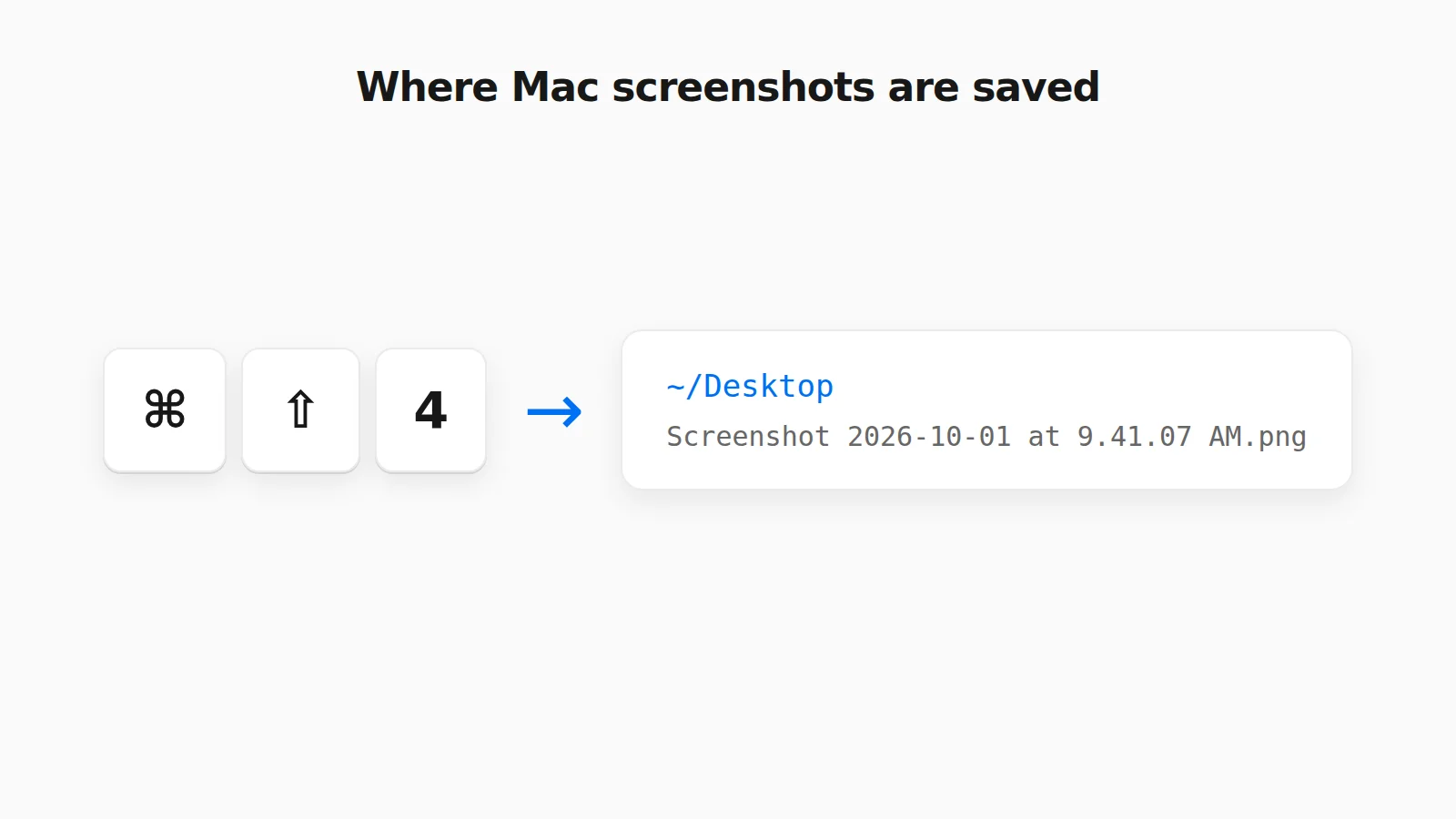 Where Do Screenshots Go on Mac? How to Find Them and Change the Folder Mac screenshots save to the Desktop by default, but not always. Find a missing one, change the folder, or rescue a clipboard-only capture.
 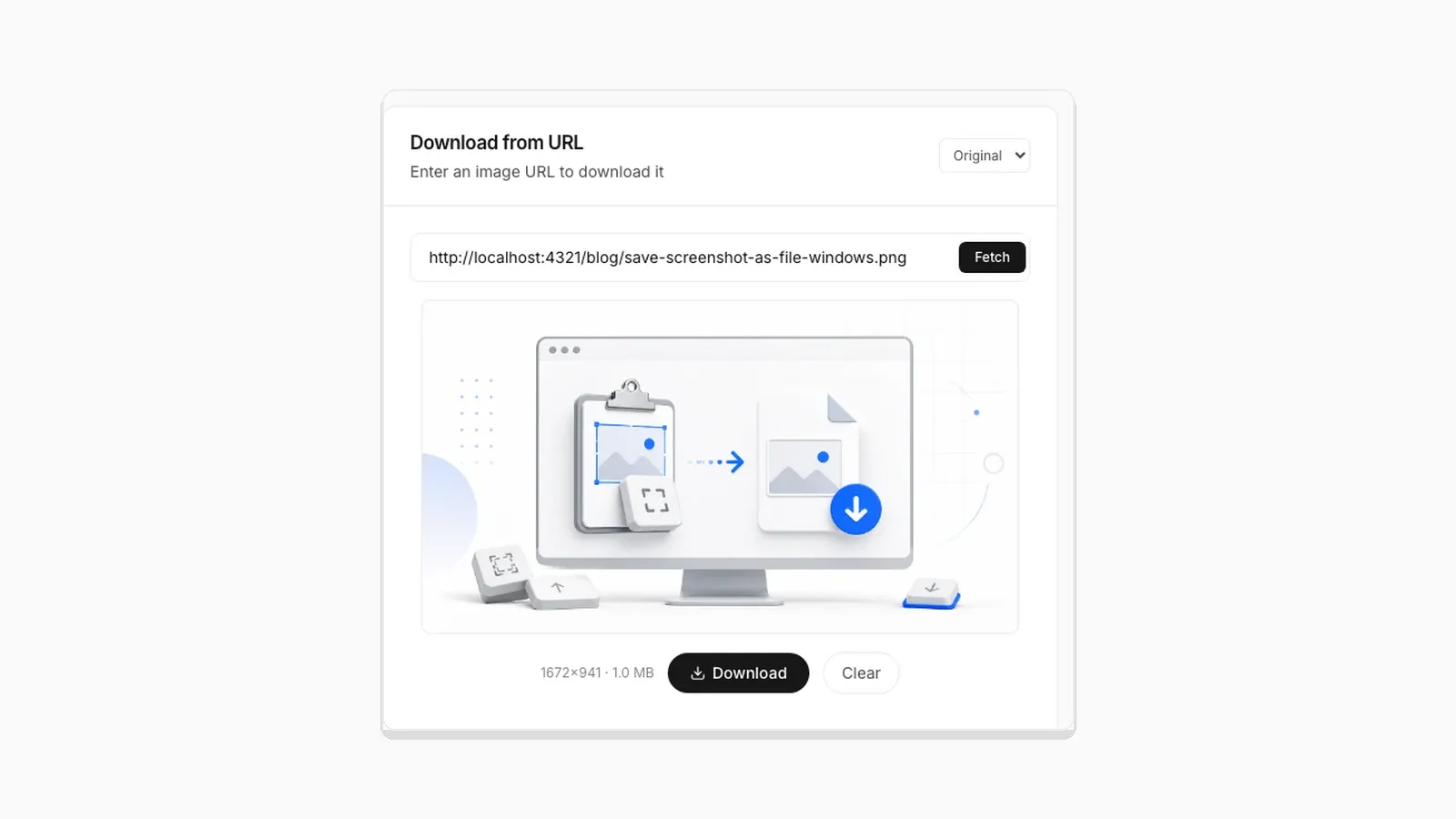 Why Clipboard Image Paste Behaves Differently in Chrome, Firefox, and Safari The Clipboard API is not implemented the same way everywhere. Here is what actually differs between browsers.
 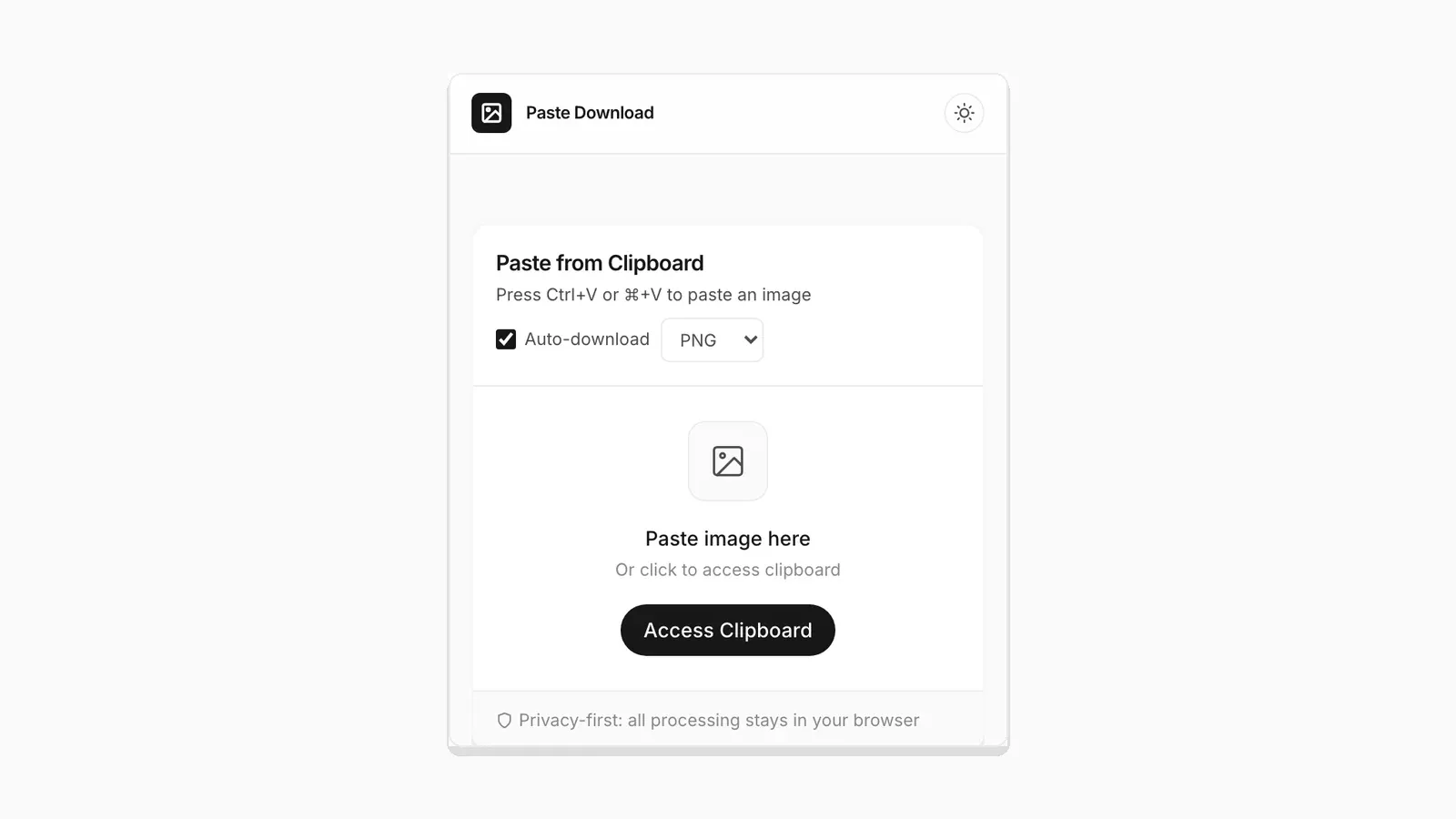 Saving a Clipboard Image on Android vs iPhone: What Actually Works Mobile clipboard access does not match desktop. Here is the real difference between Android and iOS browsers.
 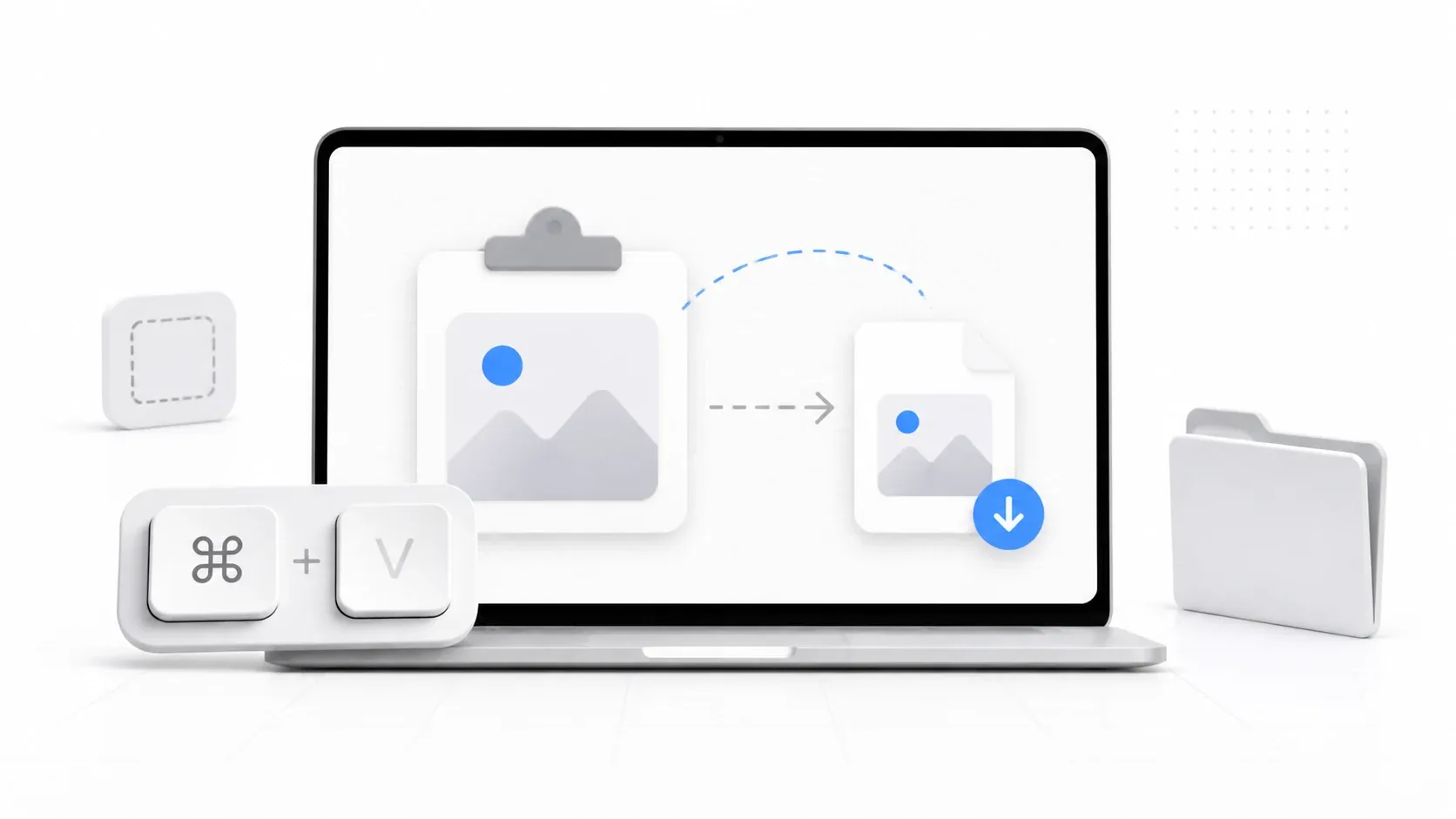 How to Download a Copied Image on Mac Without Saving to Photos Save clipboard images from your Mac directly as files without Photos, Preview, or extra steps.
  How to Save a Screenshot Directly as a File Without Opening MS Paint Turn Print Screen or Snipping Tool captures into PNG or JPG files without opening an editor.
 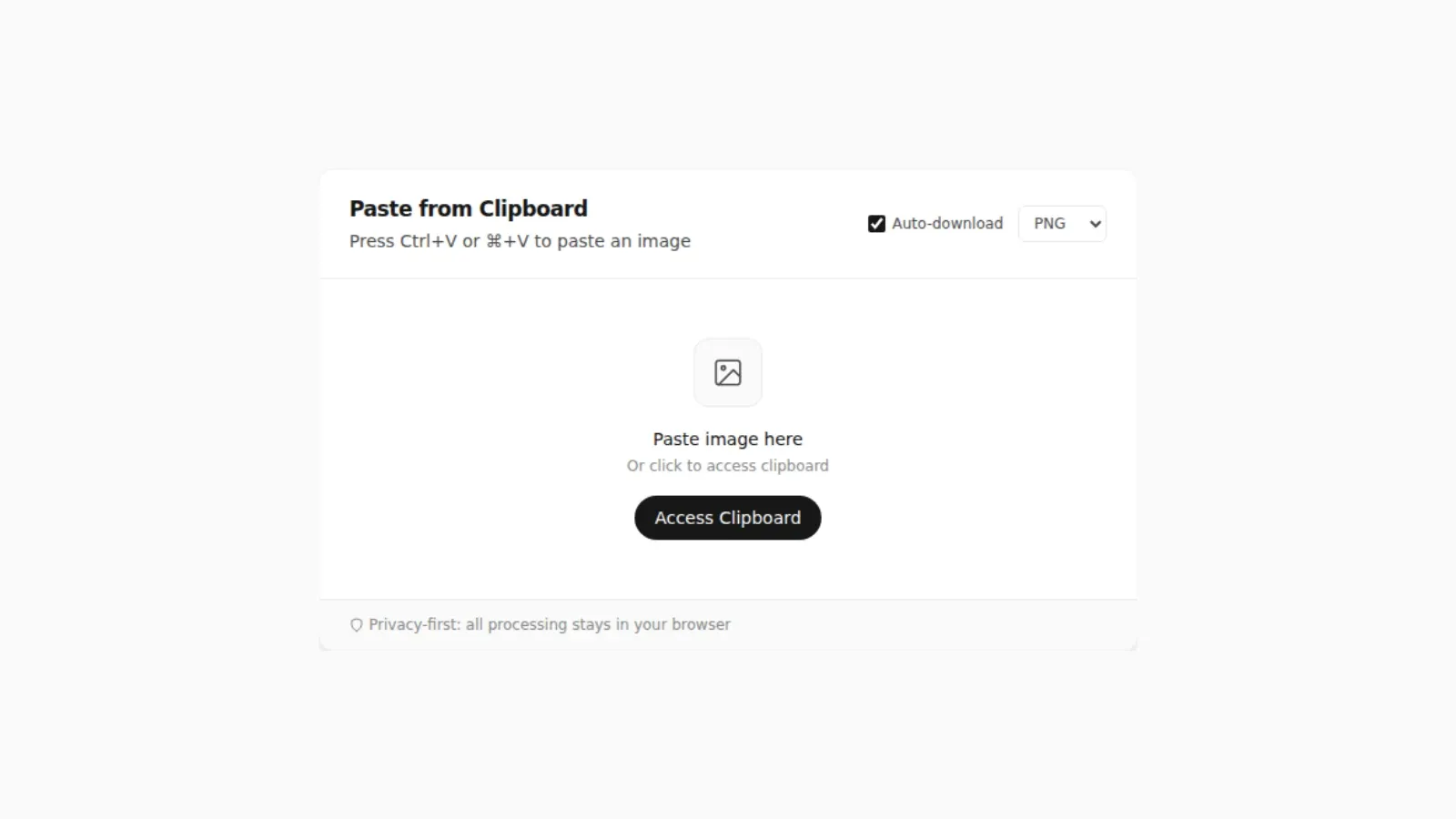 Where Do Screenshots Go on Windows, Android, and iPhone? Screenshots and copied images do not behave like normal files until you save them. Here is where they go on Windows, Android, and iPhone.
 Troubleshooting & Workflow
Fixes for clipboard permission errors and faster workflows for converting several images at once. Start here if something in the tool is not behaving the way you expect.
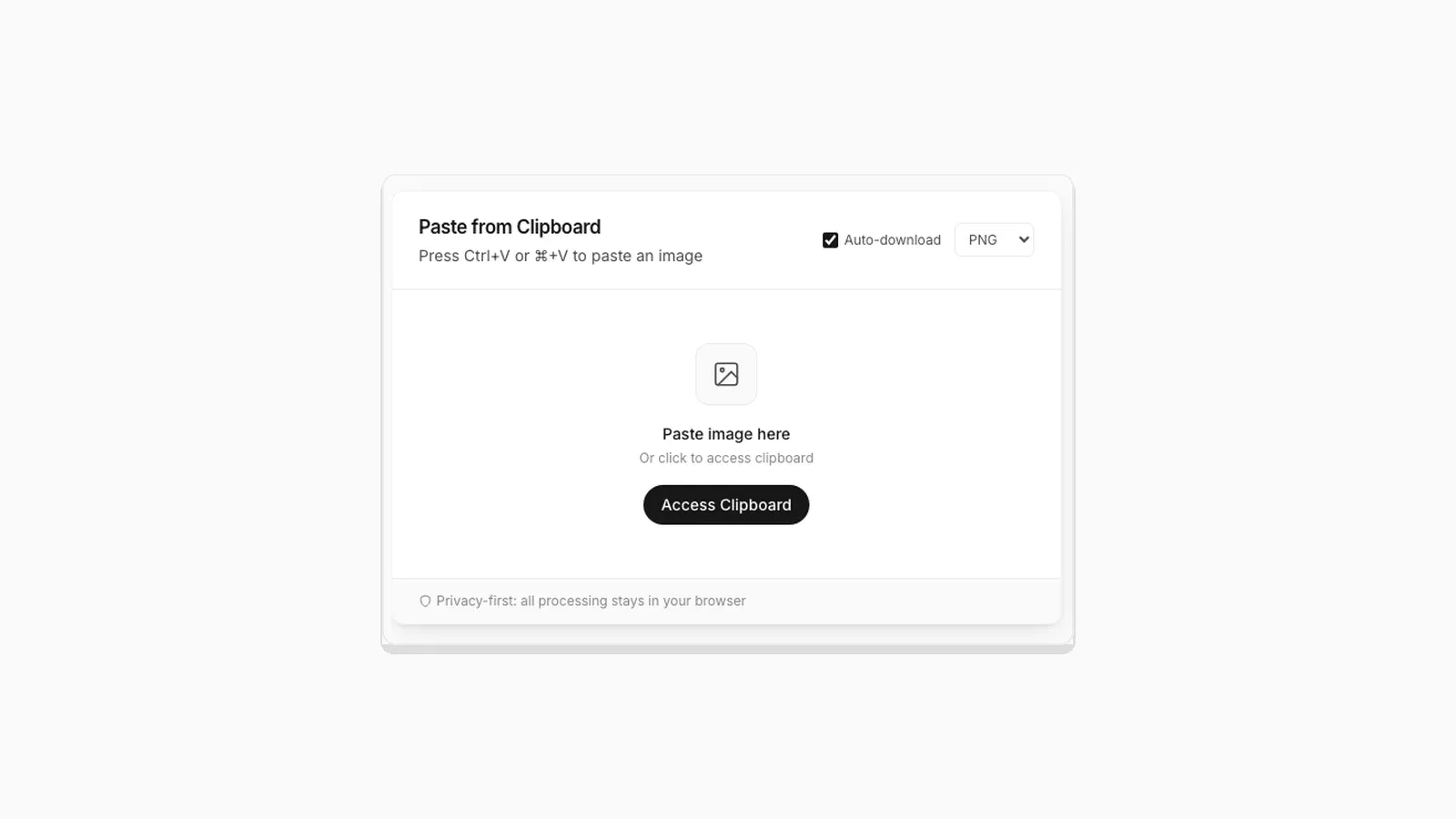 Why "Access Clipboard" Fails, and How to Fix It Clipboard read permission errors explained: browser support, HTTPS requirements, and permission prompts.
  5 Faster Ways to Save Clipboard Images Without Software Compare browser-based and built-in methods for saving copied images on desktop and mobile.
  How to Turn a Pasted Screenshot Into an Email Attachment Gmail and Outlook can paste an image straight into the message body, but that is not the same as an attachment. Here is how to turn a clipboard image into a real file first.
 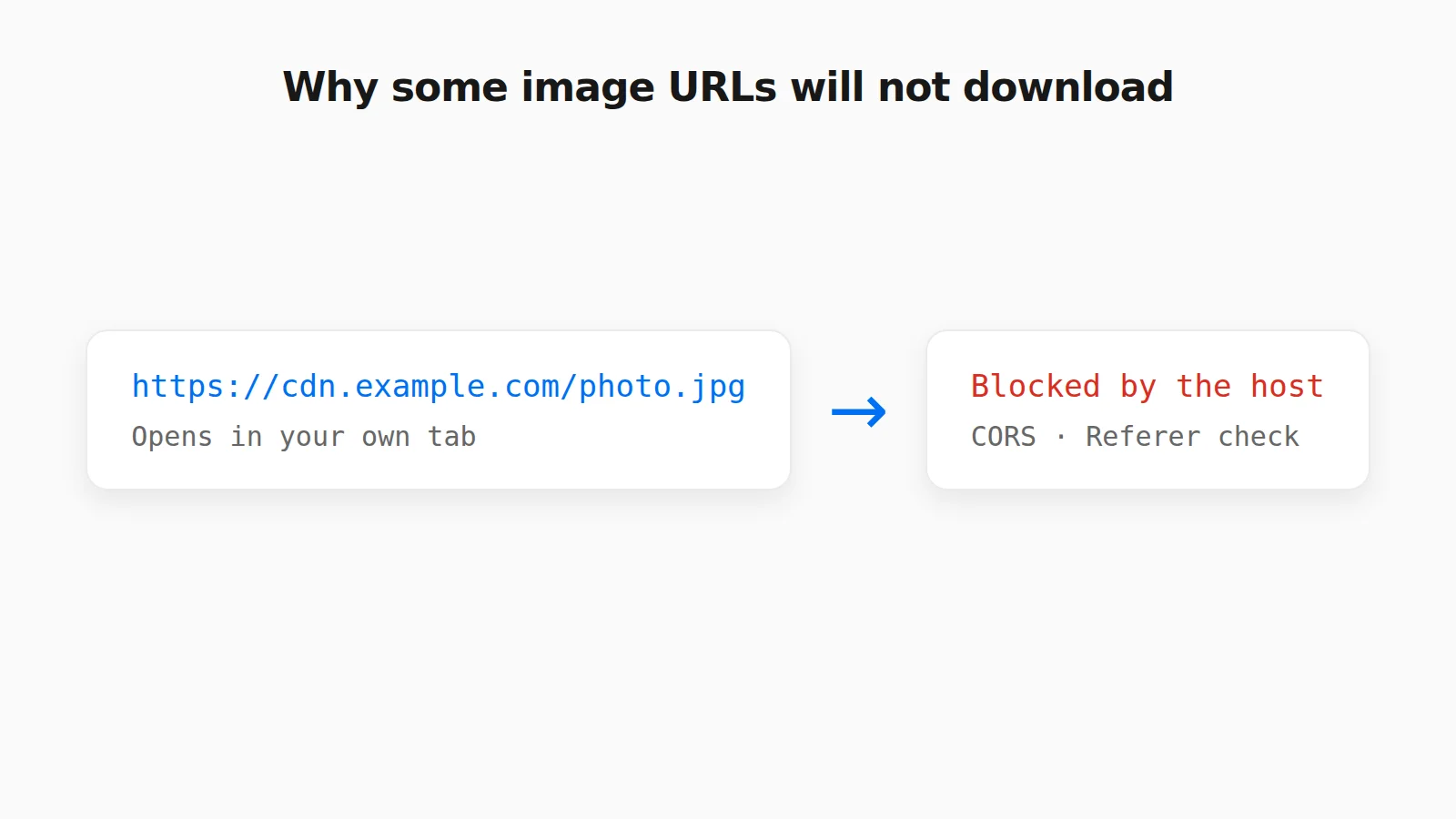 Why Some Image URLs Won't Download (and What to Do Instead) CORS, hotlink protection, expiring links, and pages that are not images: why an image URL will not download in a tool, and what to do instead.
  How to Paste an Image Into an Excel Cell or Google Sheets Ctrl+V drops a picture on top of your cells, not inside one. Here is how to put an image inside an Excel or Google Sheets cell so it sorts and filters with your data.
  How to Paste an Image Into a PDF on Mac or Windows How to paste an image into a PDF with Mac Preview, Adobe Acrobat, and Microsoft Word, and what to do when the image is only on your clipboard.
  How to Paste an Image to Search on Google, Bing, and TinEye Search with a copied image or screenshot without saving it first. How paste-to-search works on Google Lens, Bing Visual Search, and TinEye.
 File Formats & Compression
PNG, JPG, WebP, SVG, and ICO explained with real file sizes and quality tradeoffs, tested against actual images rather than general advice. Use this section to decide which format fits a specific use case.
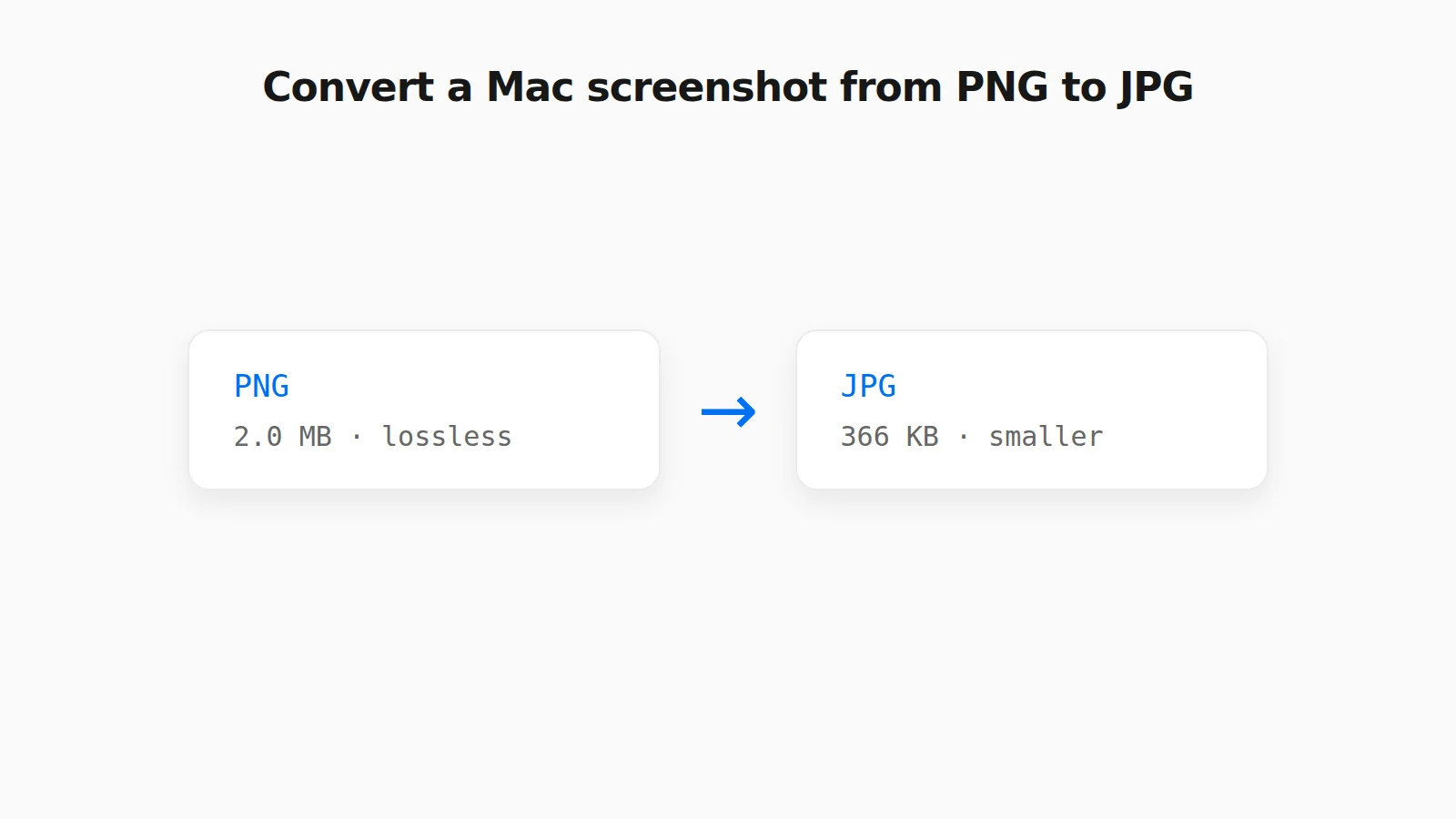 How to Convert a PNG Screenshot to JPG on Mac (4 Ways) Preview, the Finder Convert Image action, a Terminal default, and a browser tool, with real file sizes.
  How to Convert a Screenshot to JPG (or PNG or WebP) How to convert a screenshot to JPG in your browser, with real tested file sizes for PNG vs JPEG vs WebP.
  Image Compression Quality Settings Explained, With Real File Sizes What a JPEG or WebP quality number actually changes, shown with real before-and-after file sizes.
  SVG and ICO Quirks You Will Hit When Converting Images in a Browser Vector files and multi-resolution icons do not behave like PNG or JPG. Here is what actually happens when you convert them.
  Favicon Size Guide: Every Size You Actually Need What size a favicon actually needs to be, from 16x16 browser tabs to 512x512 PWA icons, plus format and transparency guidance backed by real numbers.
  Why Re-Saving a PNG Can Make the File Bigger, Not Smaller A browser Canvas re-encode is not the same as a PNG optimizer. Here is the real size difference and why it happens.
  PNG vs JPG vs WebP: Real File Sizes Compared PNG vs JPG vs WebP for quality, transparency, and file size, backed by real measured results, not general claims.
 Can't find a guide for the problem you're running into? Let us know and it may become the next one.