Blog
Tips and guides for saving images from your clipboard without extra software.
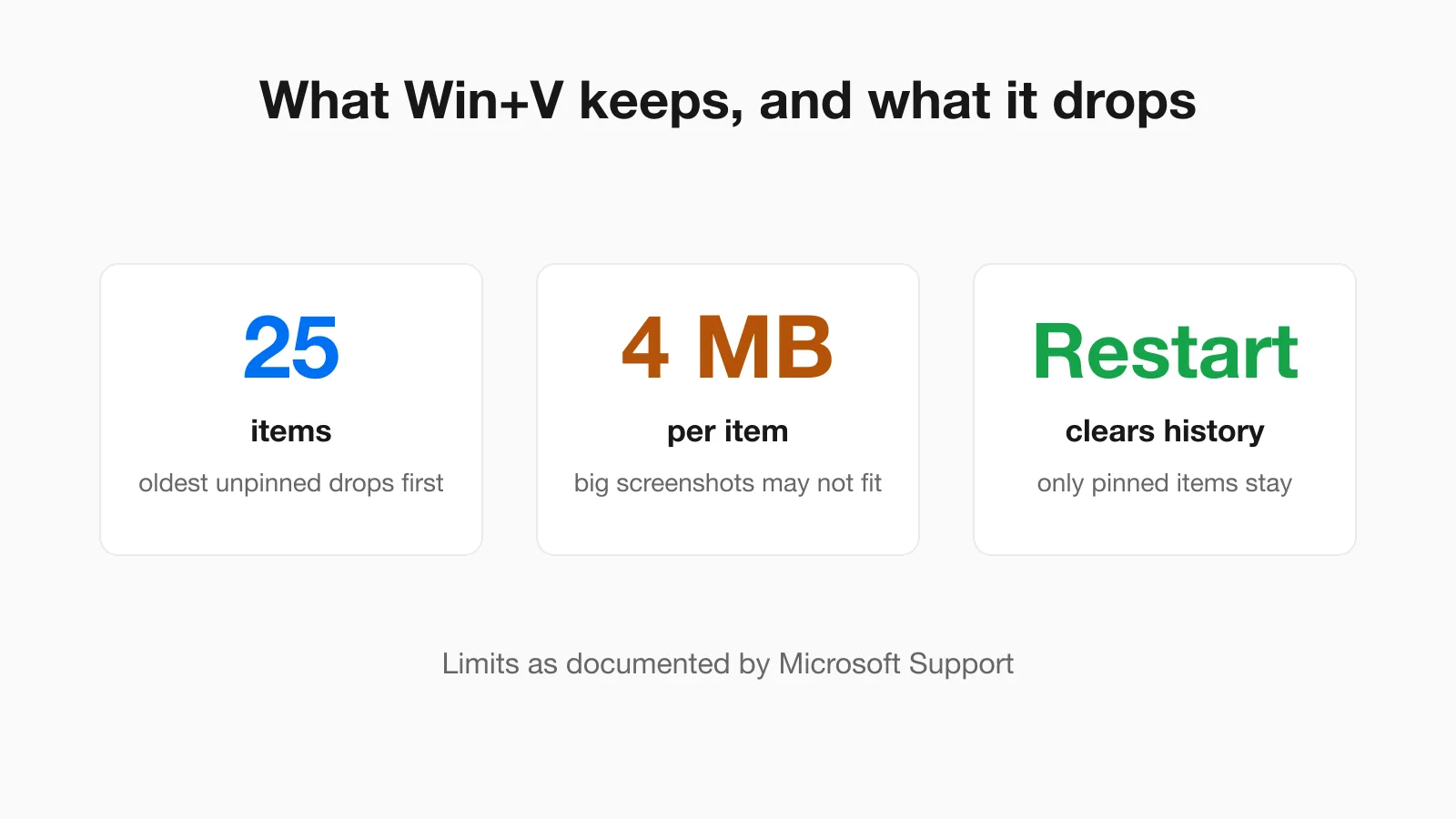 Windows Clipboard History (Win+V) and Screenshots: What It Keeps and Drops Win+V holds 25 items of up to 4 MB each and empties on restart. What that means for screenshots, how to pin and clear, and how to save an image before it disappears.
 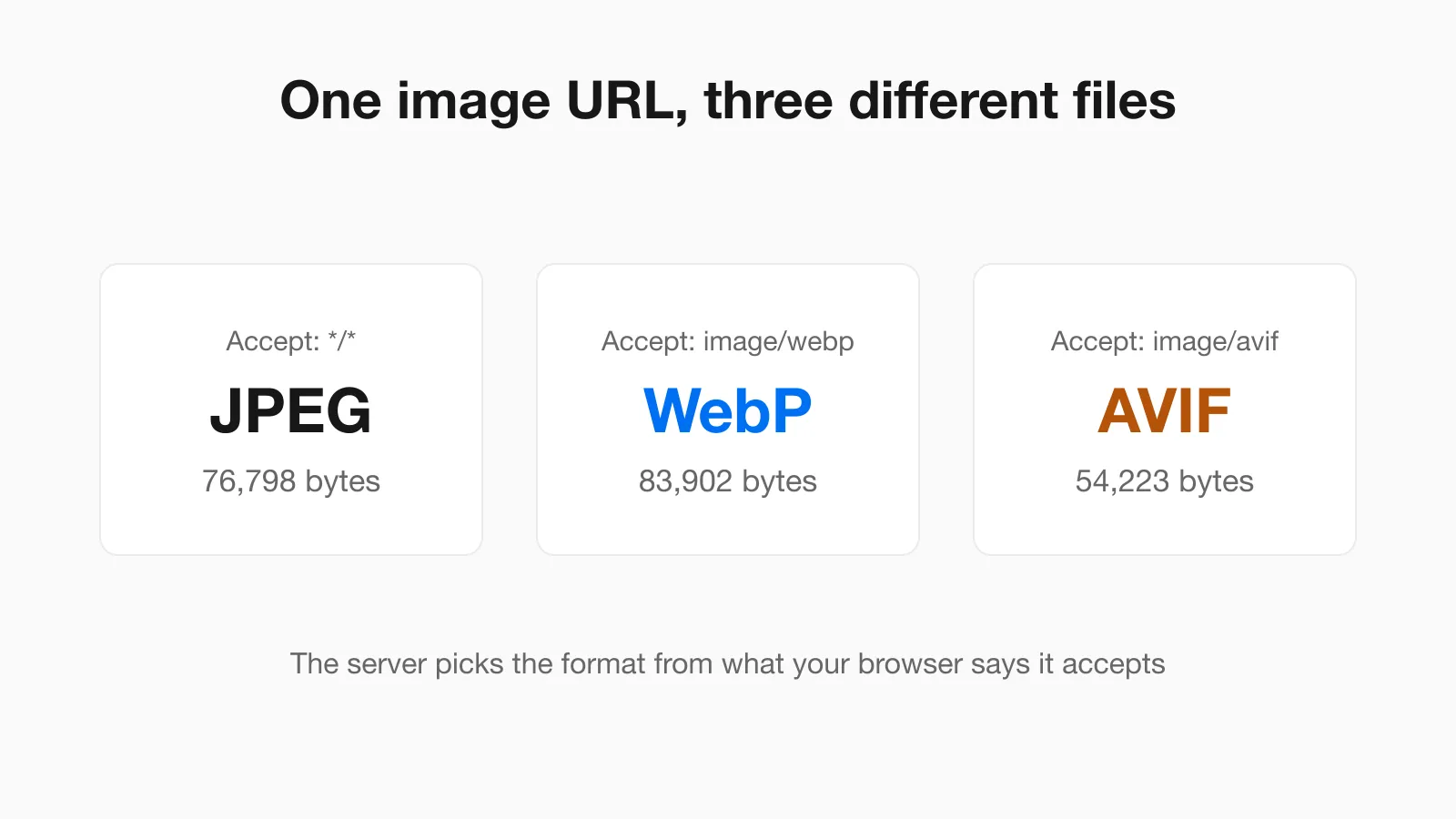 Why Chrome Saves Images as WebP or AVIF, and How to Get a JPG The same image URL returned a JPEG, a WebP and an AVIF depending on one request header. Why Save image as gives the wrong format and what each fix does to file size.
 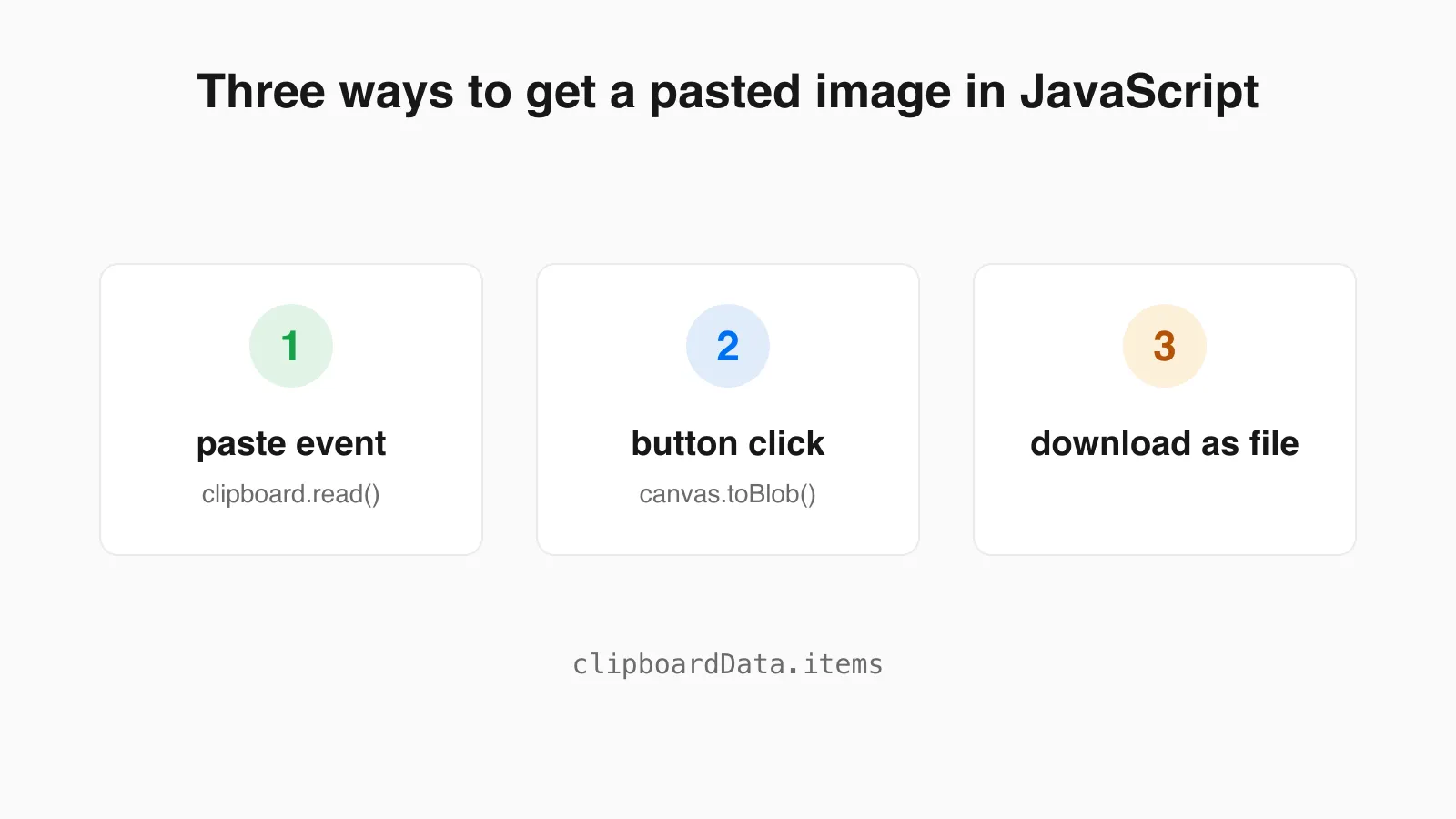 Paste an Image From the Clipboard in JavaScript: Paste Event vs Clipboard API Two ways to read a pasted image in the browser, with working code, results from a real Chrome test, and the canvas pitfalls that turn transparent pixels black.
 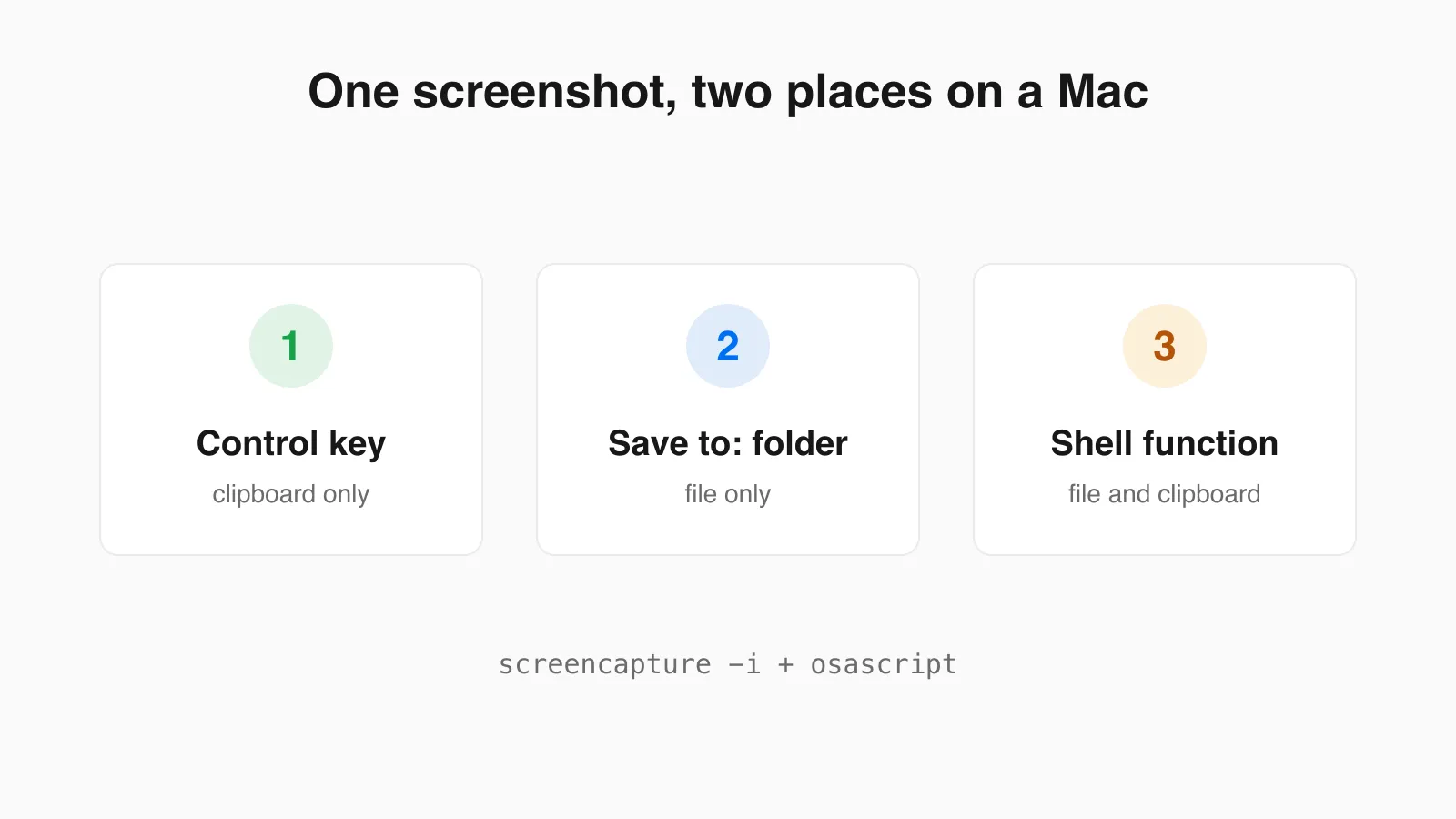 Mac Screenshot to Clipboard and File at the Same Time A Mac sends each screenshot to one place. Here is how to get both at once with a tested shell function, plus the one-off keys and how to copy an existing file to the clipboard.
 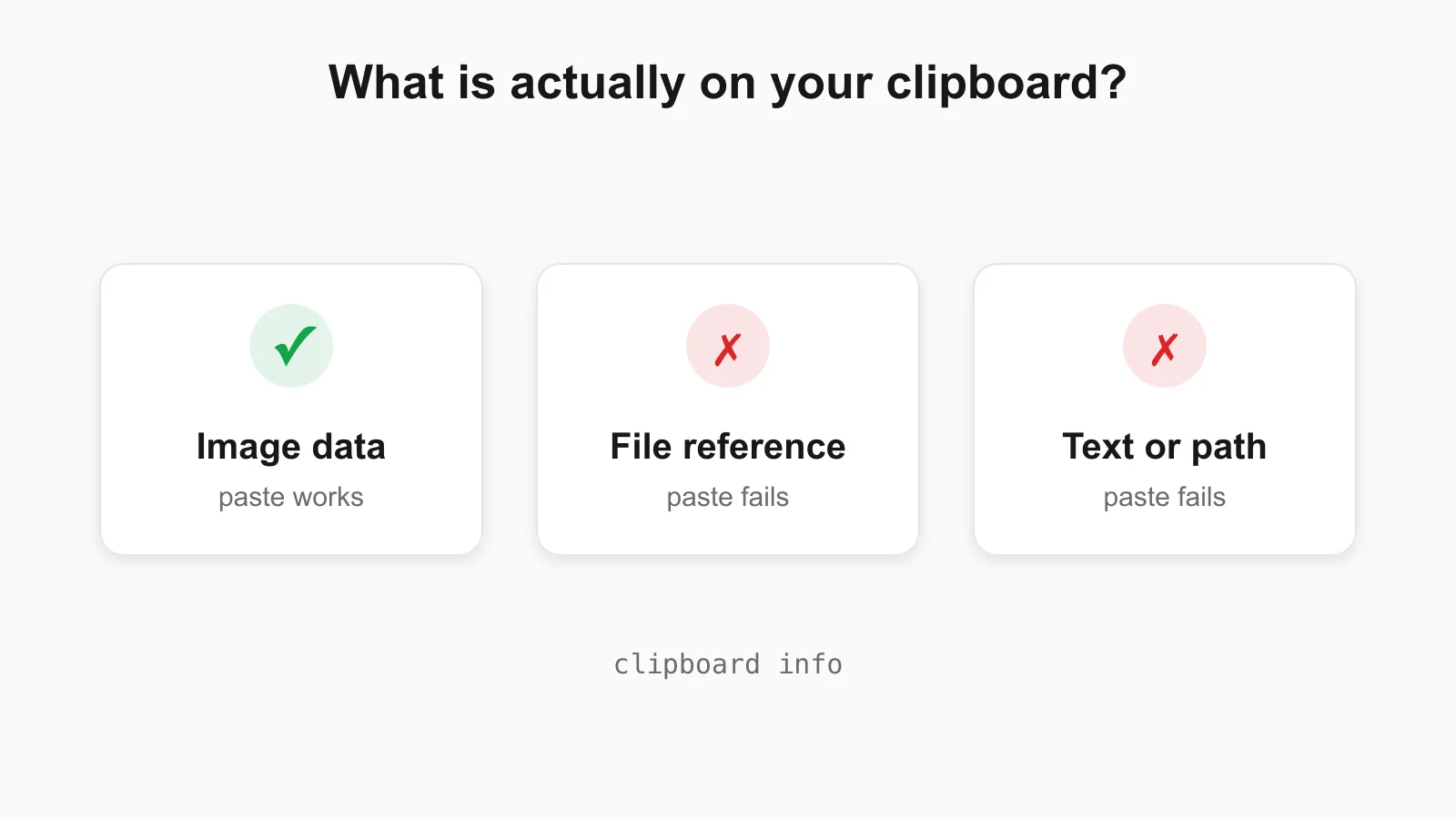 Can't Paste an Image? Check What Is Actually on Your Clipboard When an image will not paste, the clipboard usually holds a file reference or text. Check on Mac, Windows, Linux and in the browser, with real command output.
 ![Illustration of the Ctrl+V shortcut adding an [Image #1] marker to a terminal AI prompt](/blog/paste-image-into-claude-code-terminal.webp) How to Paste a Screenshot Into Claude Code and Other Terminal AI Tools Exact paste keys for Claude Code on Mac, Windows, Linux and WSL, a clipboard check, and fixes for when image paste fails.
How to Paste a Screenshot Into Claude Code and Other Terminal AI Tools Exact paste keys for Claude Code on Mac, Windows, Linux and WSL, a clipboard check, and fixes for when image paste fails. 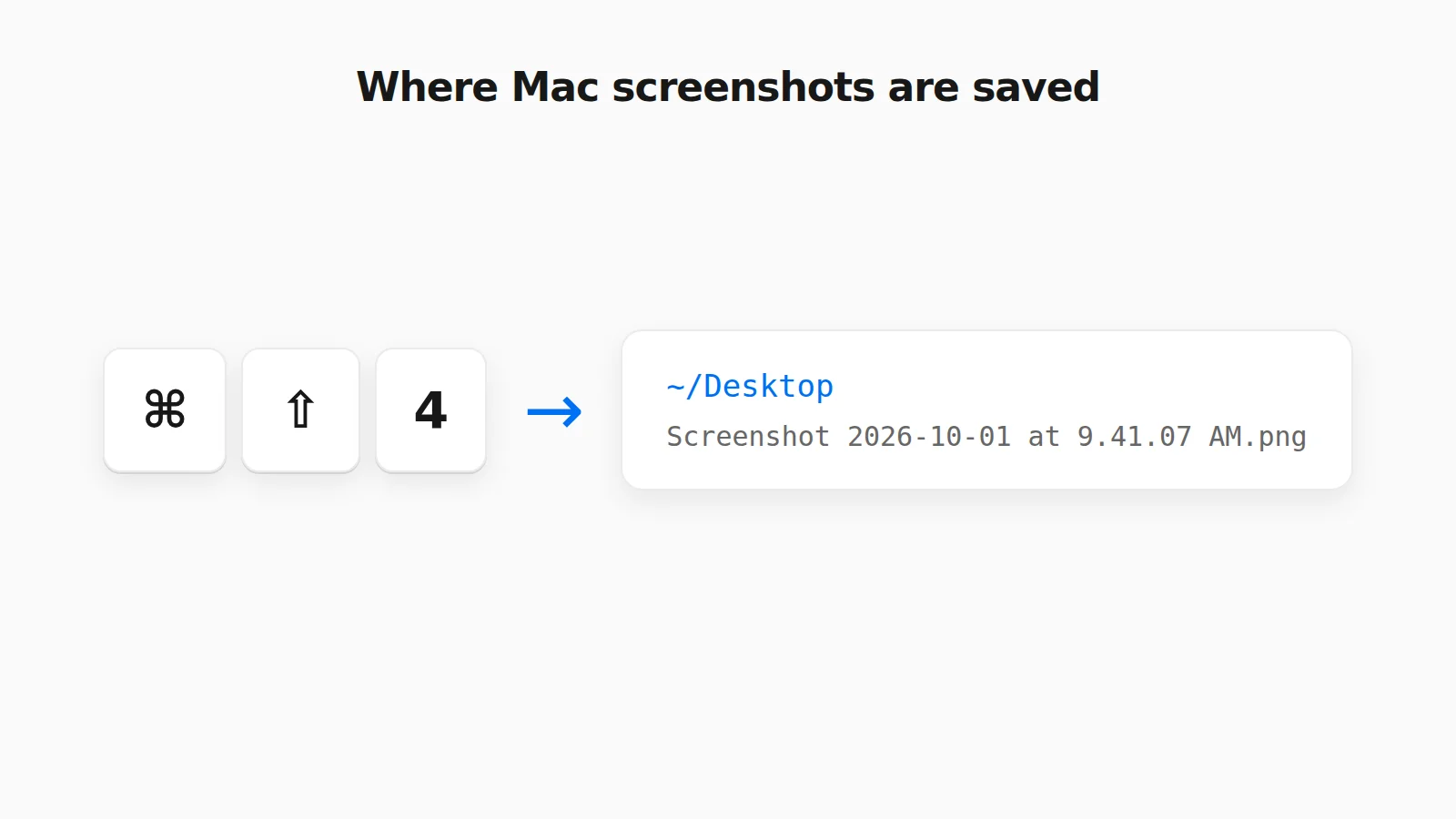 Where Do Screenshots Go on Mac? How to Find Them and Change the Folder Mac screenshots save to the Desktop by default, but not always. Find a missing one, change the folder, or rescue a clipboard-only capture.
 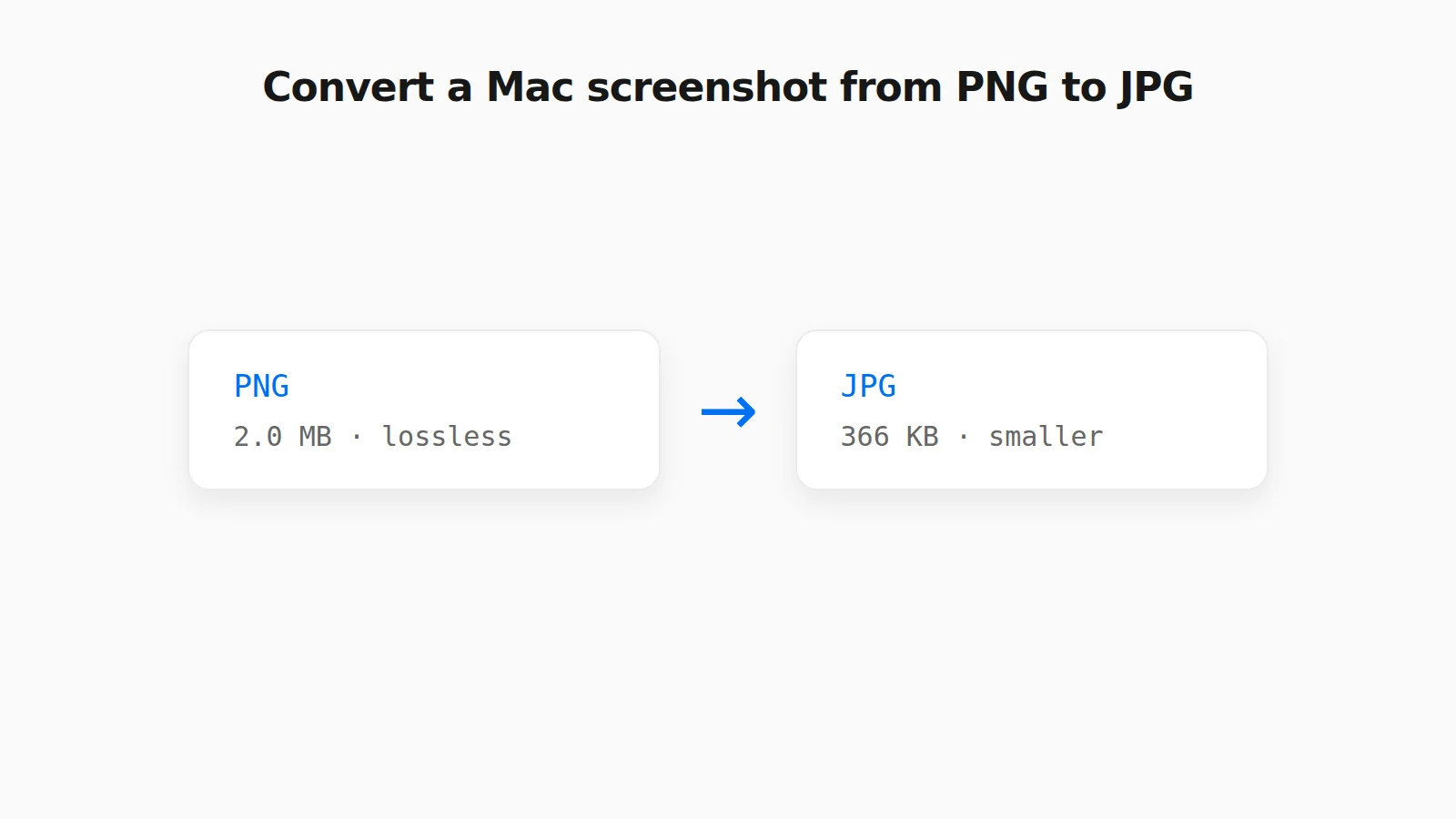 How to Convert a PNG Screenshot to JPG on Mac (4 Ways) Preview, the Finder Convert Image action, a Terminal default, and a browser tool, with real file sizes.
 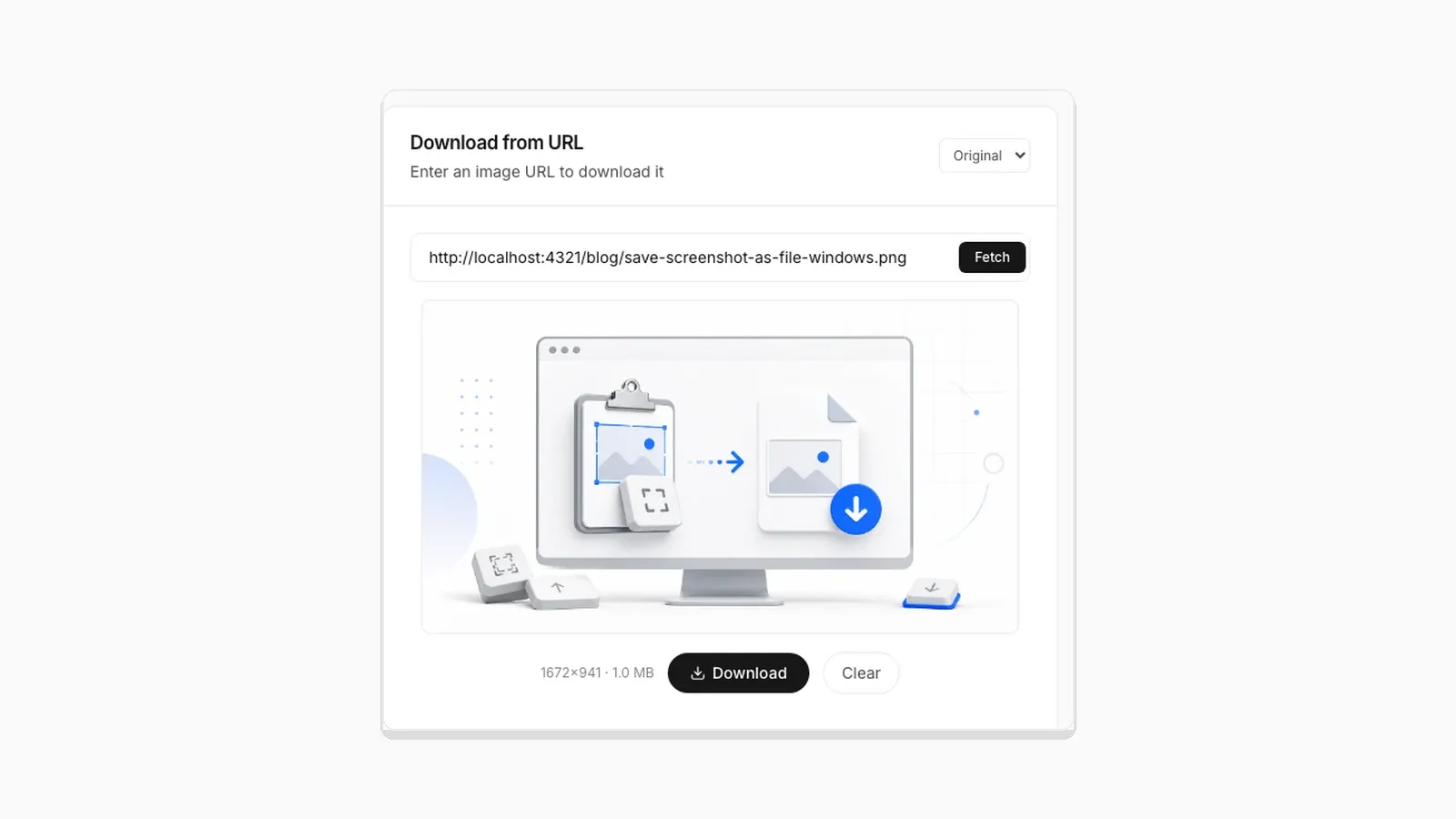 Why Clipboard Image Paste Behaves Differently in Chrome, Firefox, and Safari The Clipboard API is not implemented the same way everywhere. Here is what actually differs between browsers.
  Saving a Clipboard Image on Android vs iPhone: What Actually Works Mobile clipboard access does not match desktop. Here is the real difference between Android and iOS browsers.
  Why "Access Clipboard" Fails, and How to Fix It Clipboard read permission errors explained: browser support, HTTPS requirements, and permission prompts.
  How to Convert a Screenshot to JPG (or PNG or WebP) How to convert a screenshot to JPG in your browser, with real tested file sizes for PNG vs JPEG vs WebP.
  Image Compression Quality Settings Explained, With Real File Sizes What a JPEG or WebP quality number actually changes, shown with real before-and-after file sizes.
  SVG and ICO Quirks You Will Hit When Converting Images in a Browser Vector files and multi-resolution icons do not behave like PNG or JPG. Here is what actually happens when you convert them.
  Favicon Size Guide: Every Size You Actually Need What size a favicon actually needs to be, from 16x16 browser tabs to 512x512 PWA icons, plus format and transparency guidance backed by real numbers.
  Why Re-Saving a PNG Can Make the File Bigger, Not Smaller A browser Canvas re-encode is not the same as a PNG optimizer. Here is the real size difference and why it happens.
  PNG vs JPG vs WebP: Real File Sizes Compared PNG vs JPG vs WebP for quality, transparency, and file size, backed by real measured results, not general claims.
  How to Download a Copied Image on Mac Without Saving to Photos Save clipboard images from your Mac directly as files without Photos, Preview, or extra steps.
  How to Save a Screenshot Directly as a File Without Opening MS Paint Turn Print Screen or Snipping Tool captures into PNG or JPG files without opening an editor.
  5 Faster Ways to Save Clipboard Images Without Software Compare browser-based and built-in methods for saving copied images on desktop and mobile.
 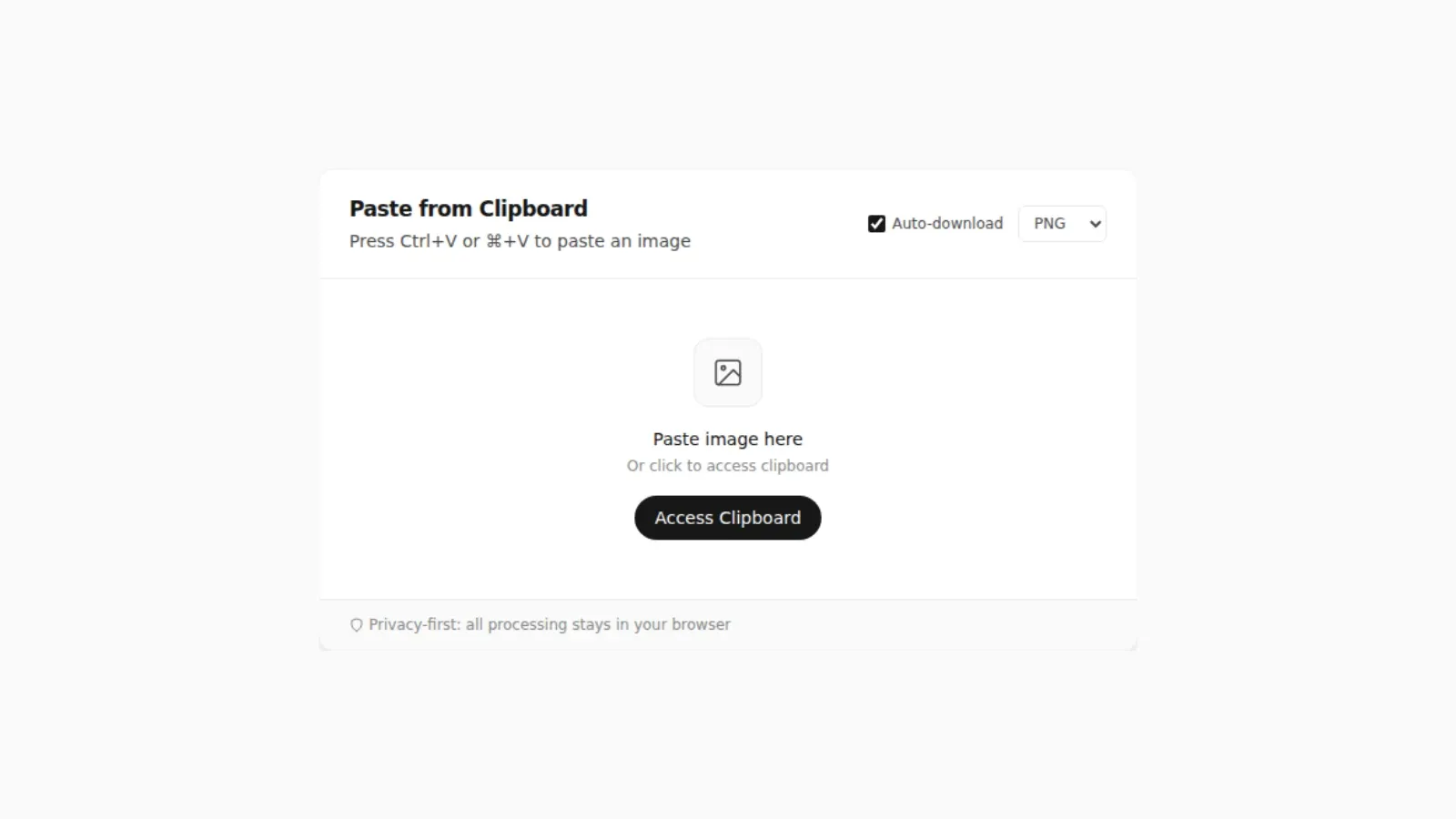 Where Do Screenshots Go on Windows, Android, and iPhone? Screenshots and copied images do not behave like normal files until you save them. Here is where they go on Windows, Android, and iPhone.
 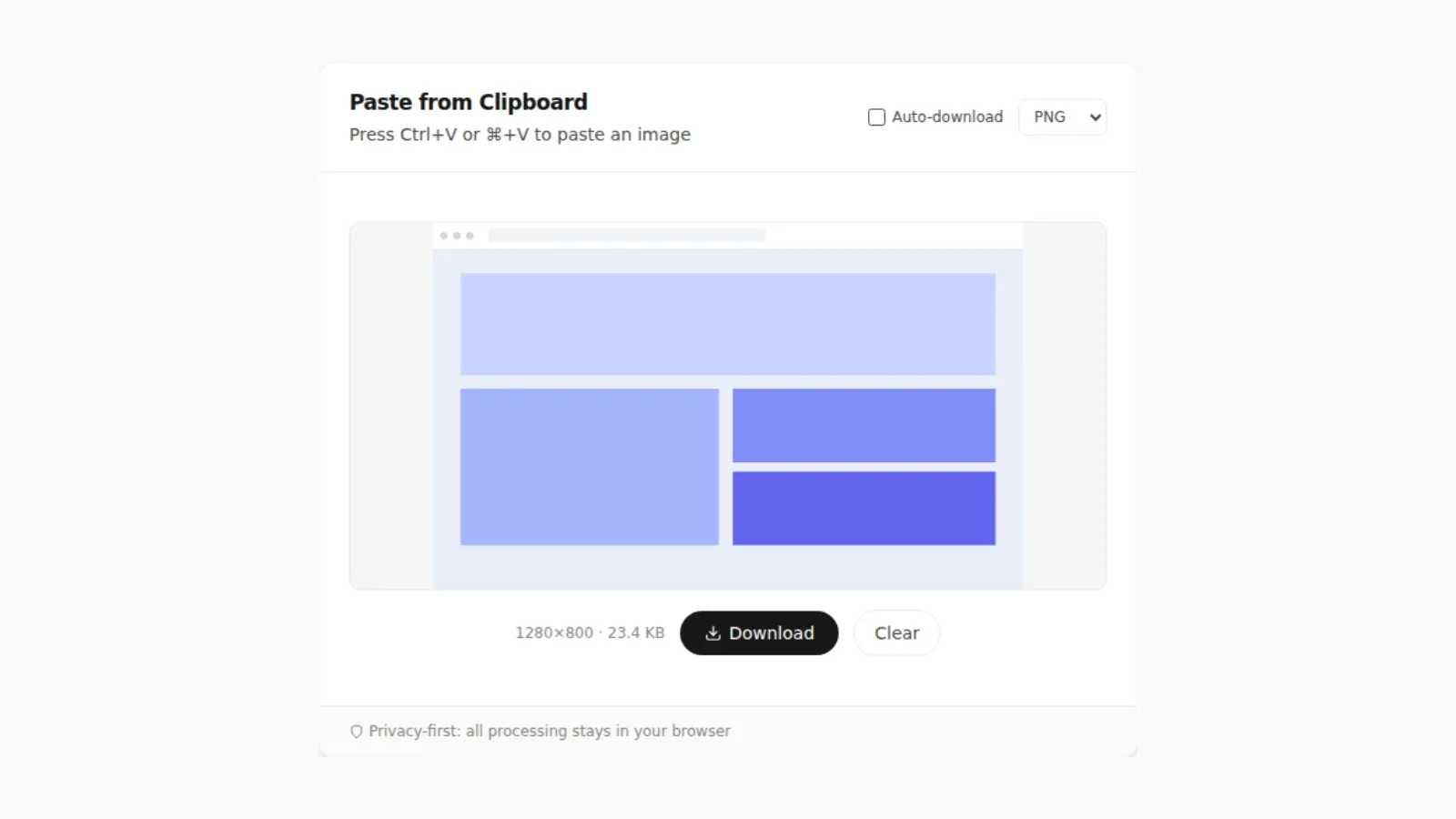 How to Turn a Pasted Screenshot Into an Email Attachment Gmail and Outlook can paste an image straight into the message body, but that is not the same as an attachment. Here is how to turn a clipboard image into a real file first.
 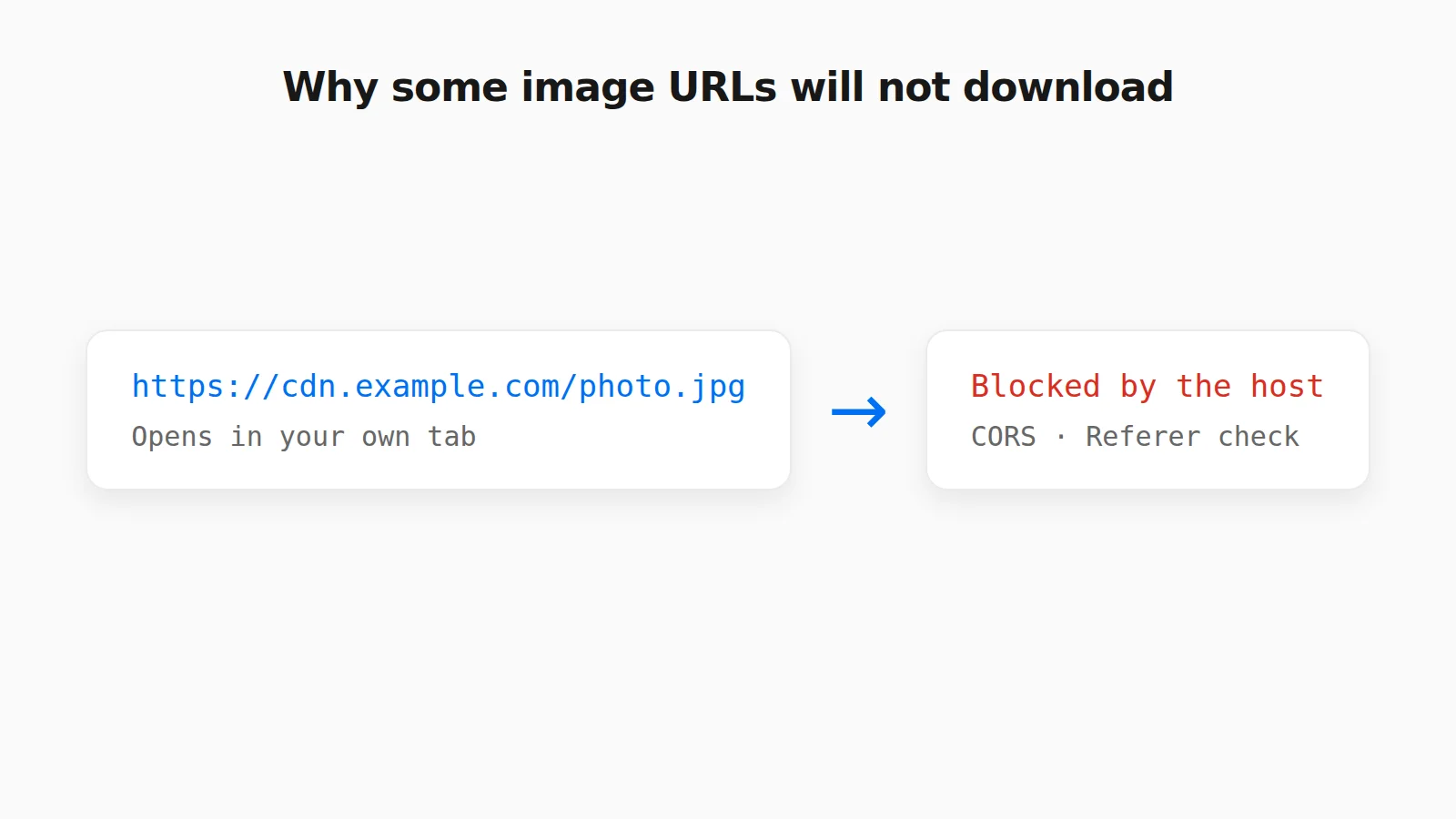 Why Some Image URLs Won't Download (and What to Do Instead) CORS, hotlink protection, expiring links, and pages that are not images: why an image URL will not download in a tool, and what to do instead.
 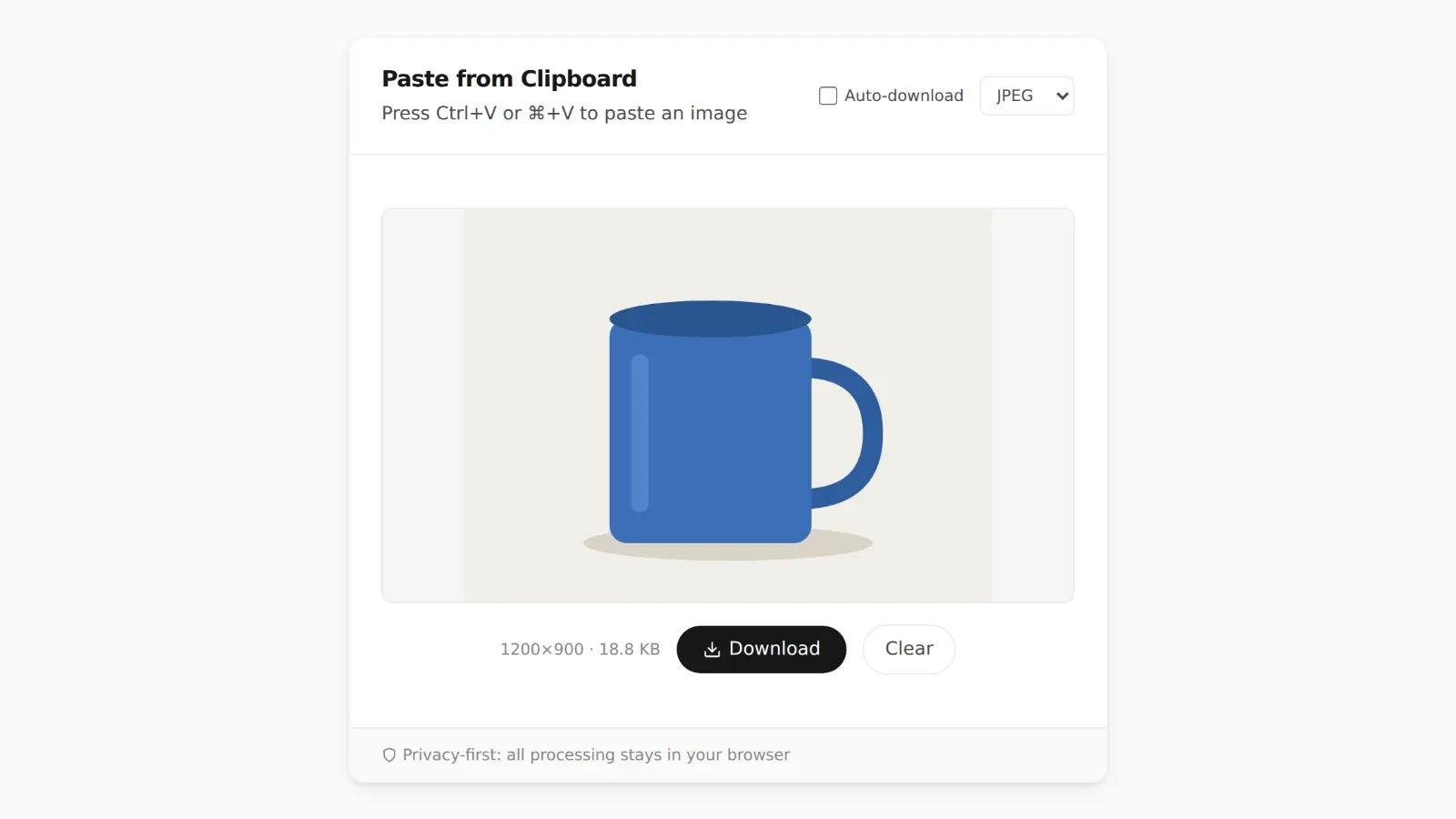 How to Paste an Image Into an Excel Cell or Google Sheets Ctrl+V drops a picture on top of your cells, not inside one. Here is how to put an image inside an Excel or Google Sheets cell so it sorts and filters with your data.
 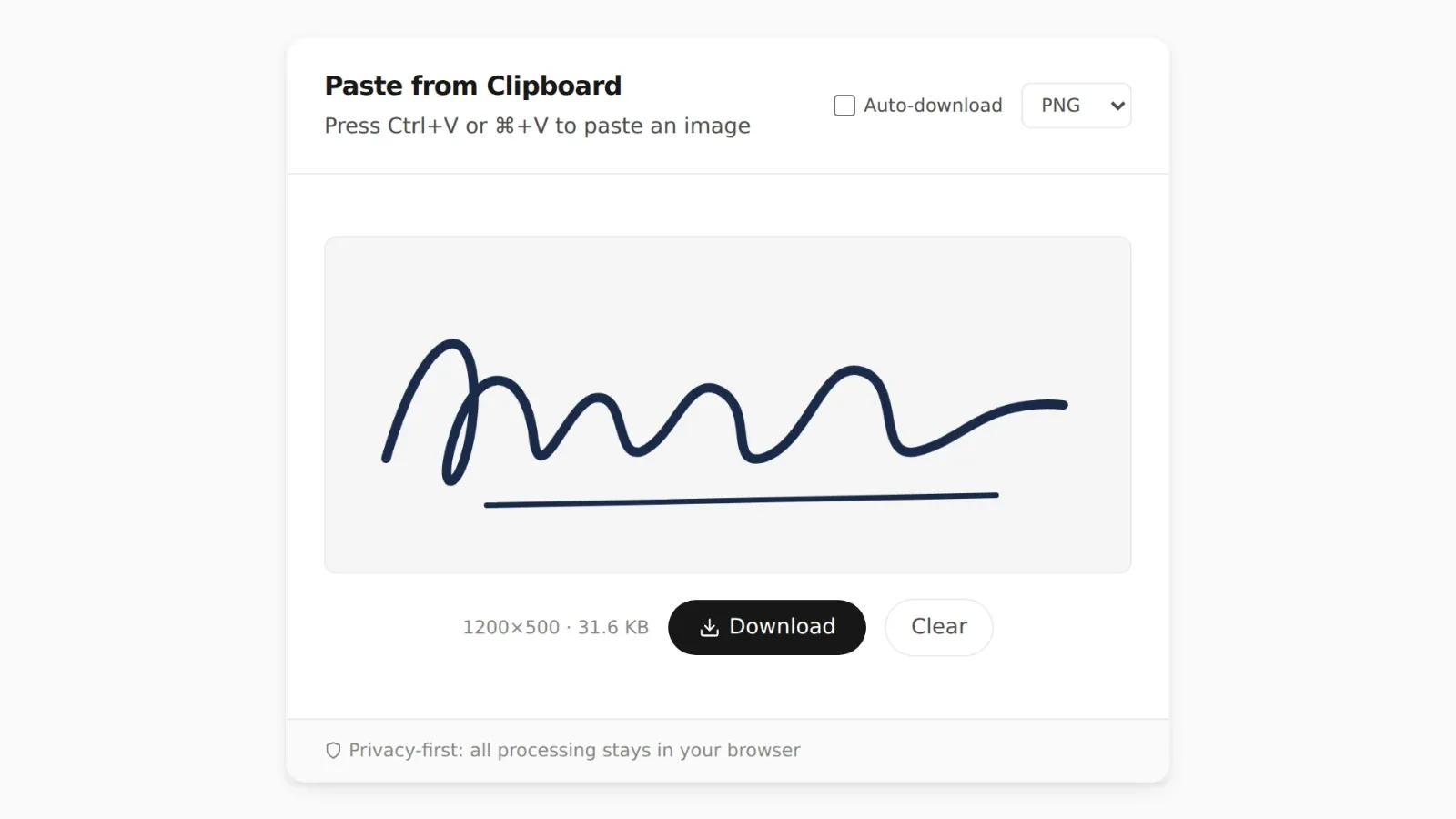 How to Paste an Image Into a PDF on Mac or Windows How to paste an image into a PDF with Mac Preview, Adobe Acrobat, and Microsoft Word, and what to do when the image is only on your clipboard.
  How to Paste an Image to Search on Google, Bing, and TinEye Search with a copied image or screenshot without saving it first. How paste-to-search works on Google Lens, Bing Visual Search, and TinEye.